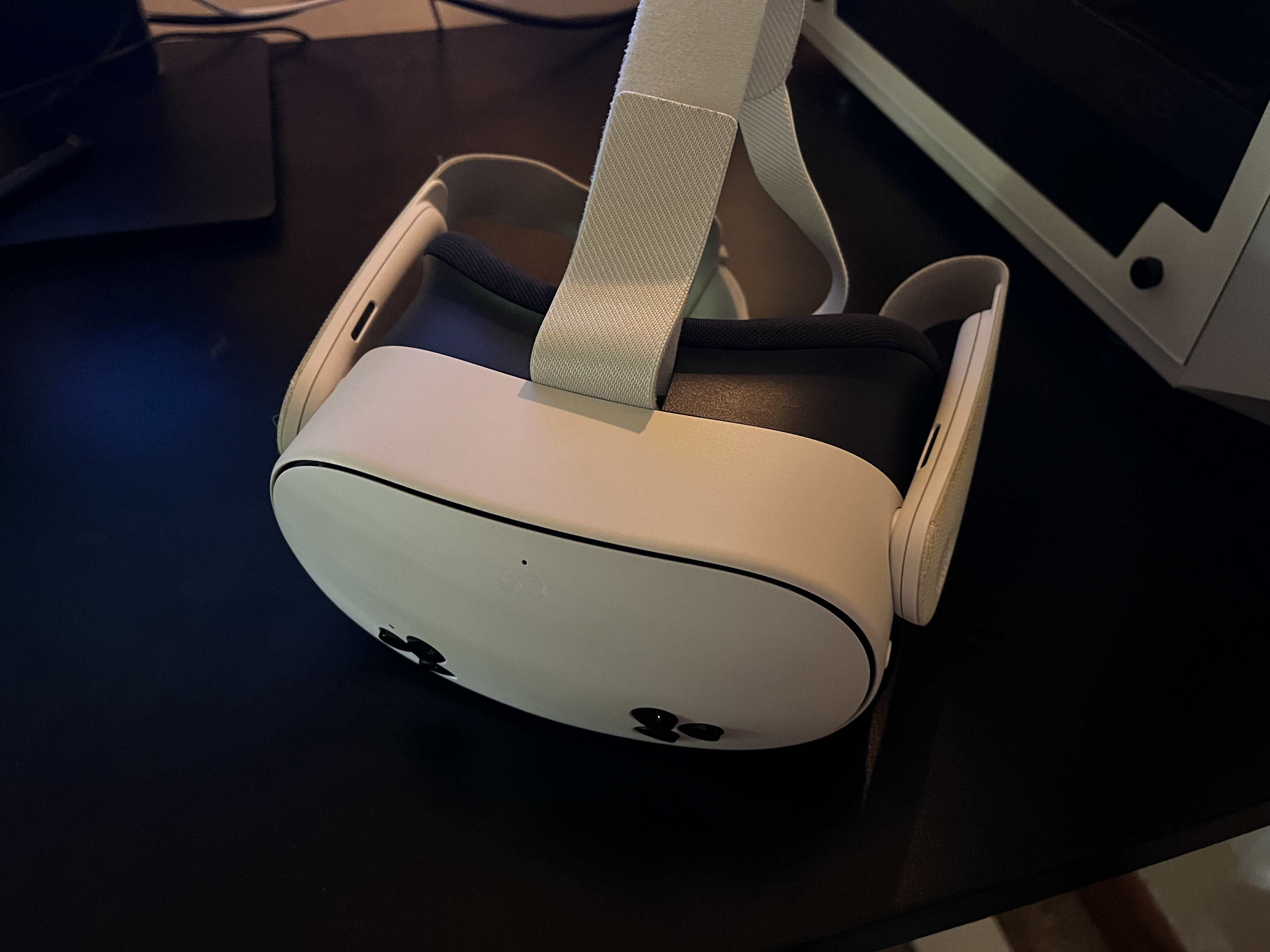
My Meta Quest 3s headset.

For this project I programmed and designed a Virtual Reality Card Game using Unity, C# and the Meta Quest 3s. It's a relatively simple game in which you play against an AI opponent, summoning and fighting with troops in order to defeat them.
The primary focus of this project was to experiment with XR and VR development, as it's something I am interested in pursuing as a career option in the future. I wanted to get a handle on the unique challanges that working with virtual reality presents. Throughout development, I learned that working with VR requires you to change your approach to game design and user interactions, whilst many parts of the development process is similair to what I am used to (making games for Windows and PC) the actual testing and iterative process is quite different and requires a lot more patience.
My Meta Quest 3s headset.
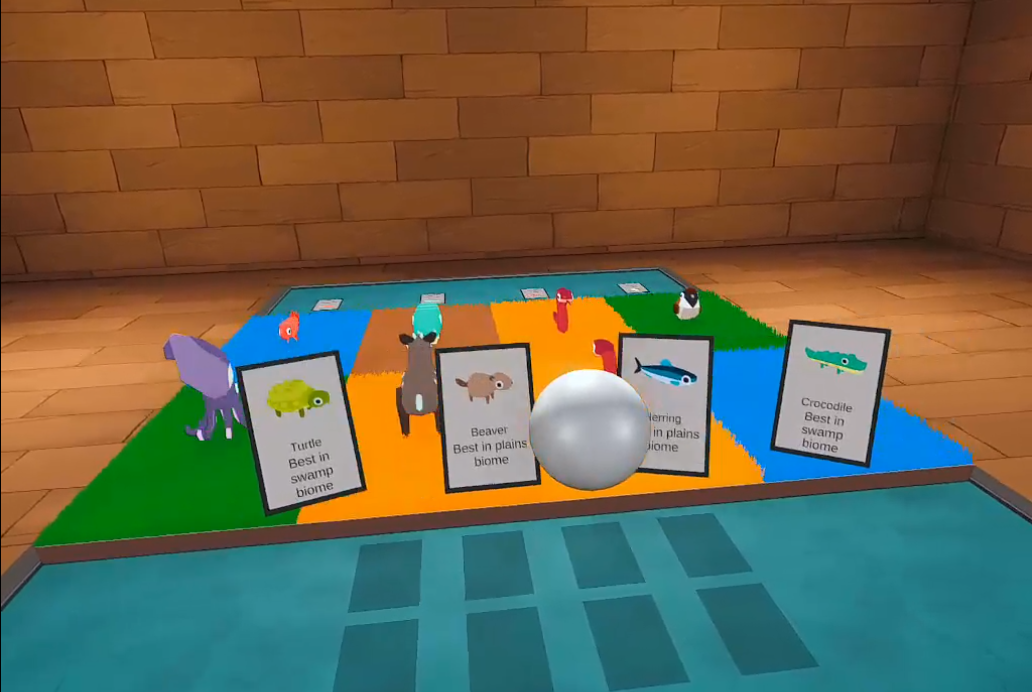
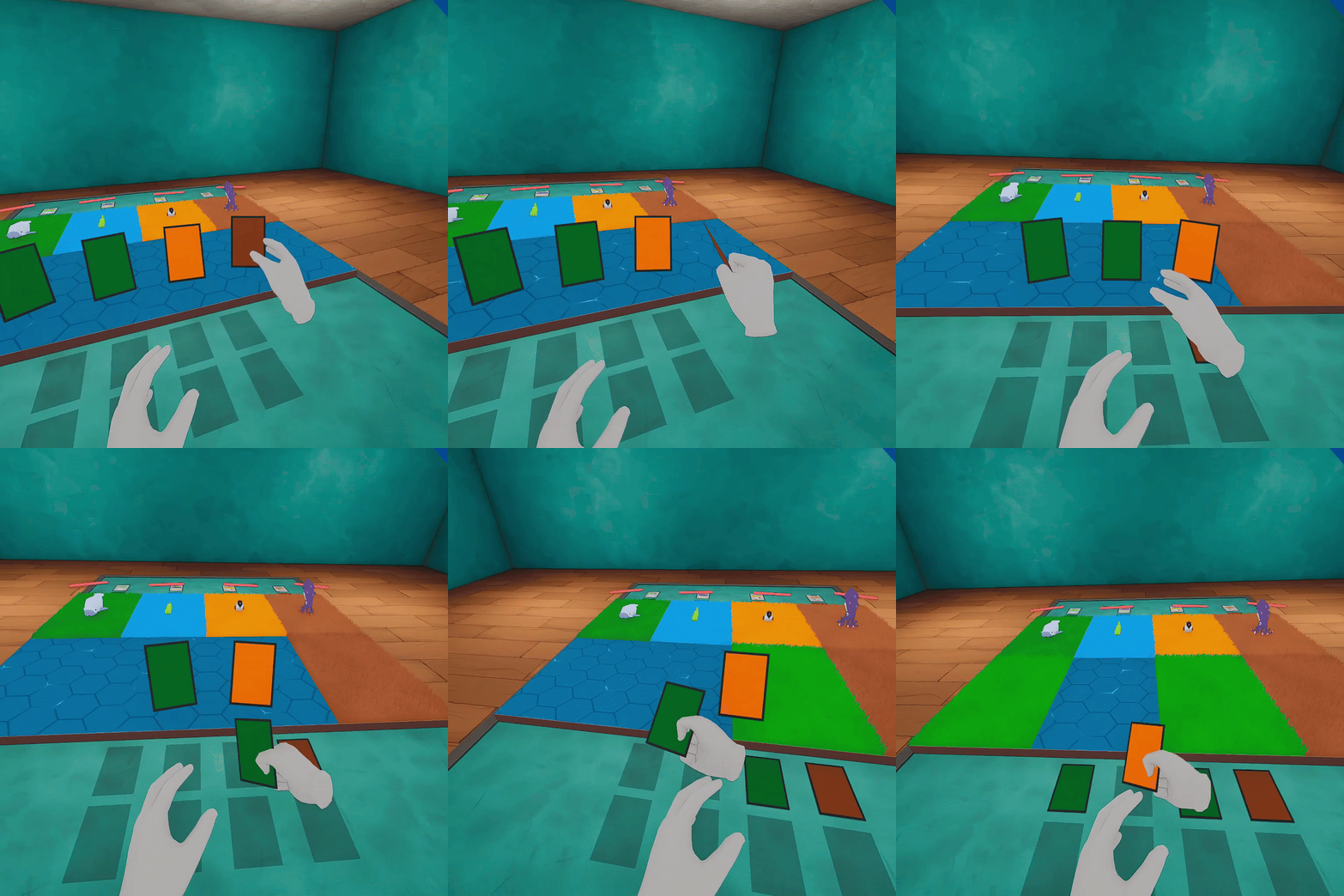
Early development gameplay showing off basic interactions between hands and cards.
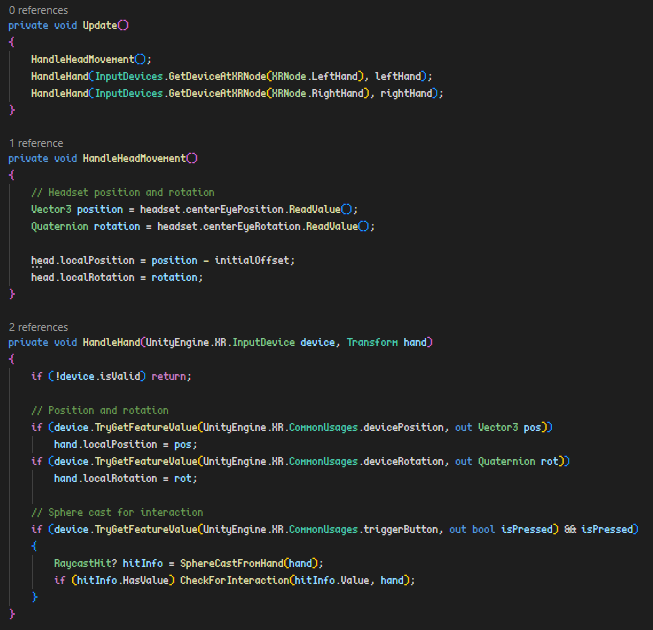
The first mechanic I integrated was the VR controls and mechanics. I started with integrating the head and hand tracking. Unity provides many prebuilt tools, packages and components for this, but I specifically chose to avoid these components so I could fully grasp the mechanics taking place. I used the InputManager to track my devices, then calculated their change in positions and rotations to simulate hand and head tracking. You can see a short snippet of the VRController from early development here.
Later I went on to add hand collisions, whilst the players "real" hand can easily pass through tables, a technique commonly used in VR is to simulate the hands in the game space, taking the players real hand position as “Suggestion”. From the players perspective, this allows the hand to interact with the world in a real, physical way.
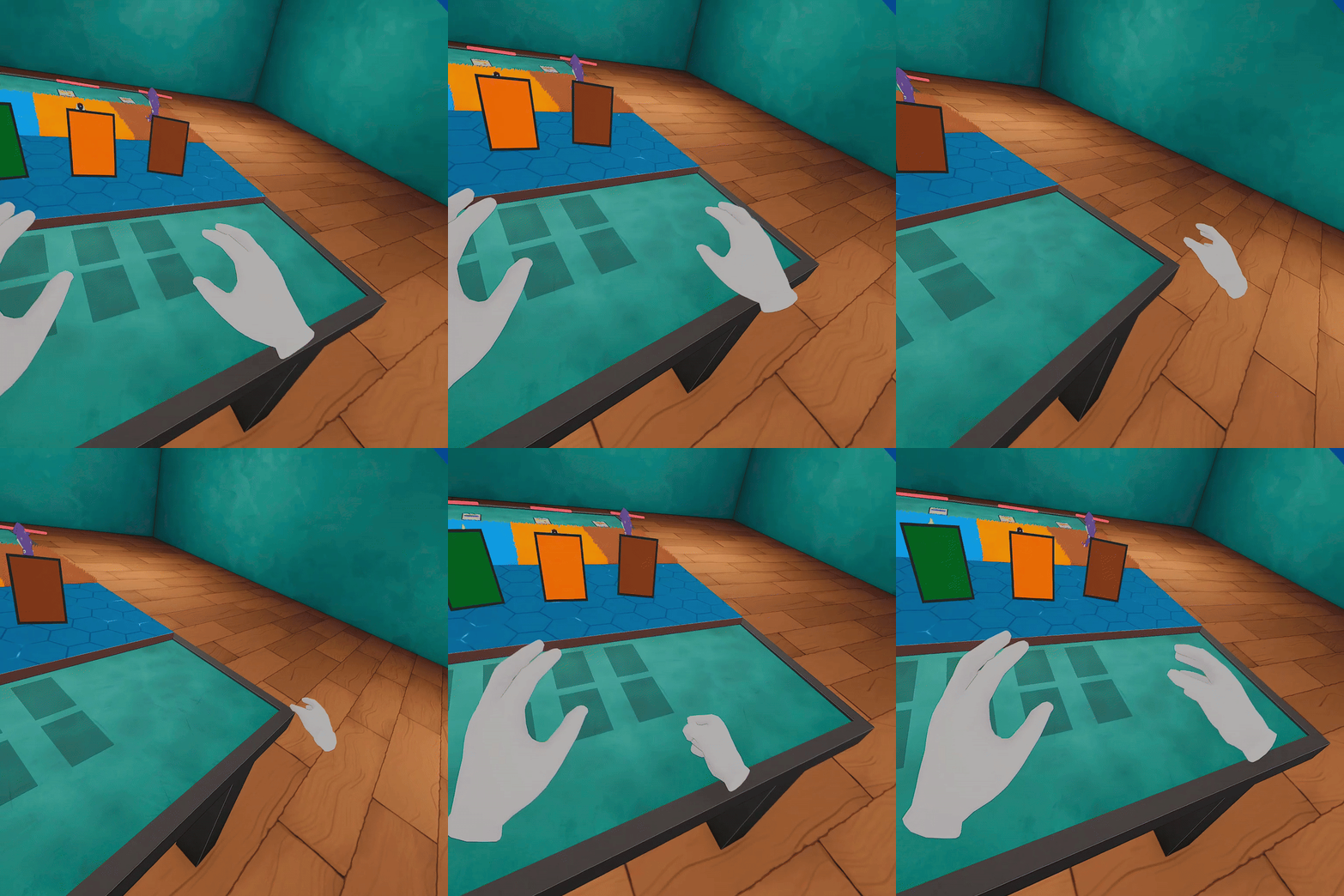
The core gameplay loop was both fun and challanging to implement. There where many considerations to take into account when designing the gameplay for VR. For example, my early attempts at designing the combat system used "raycasts" to select troops and attack enemies. However this was unintuitive and clunky for VR use, especially since small "shakes" in the players hand would often result in the raycast missing the target. To solve this, I decided to add all sorts of "helper" systems to make gameplay feel more fluid. I used sphere casts instead of raycasts to make selecting targets easier, adding visual indicators to show what troop was selected and where that troop was going to move. I also added a snapping system, so even if you moved your hand slightly off target, the visual indicator would remain in place, which really helped with the overall experience.
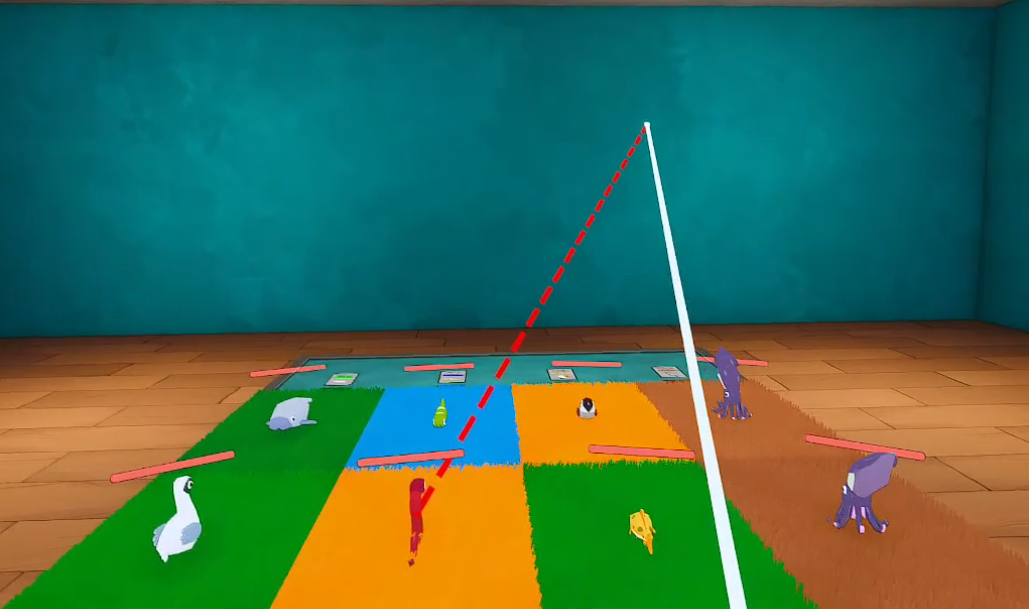
Selecting a troop to move to an invalid spot.
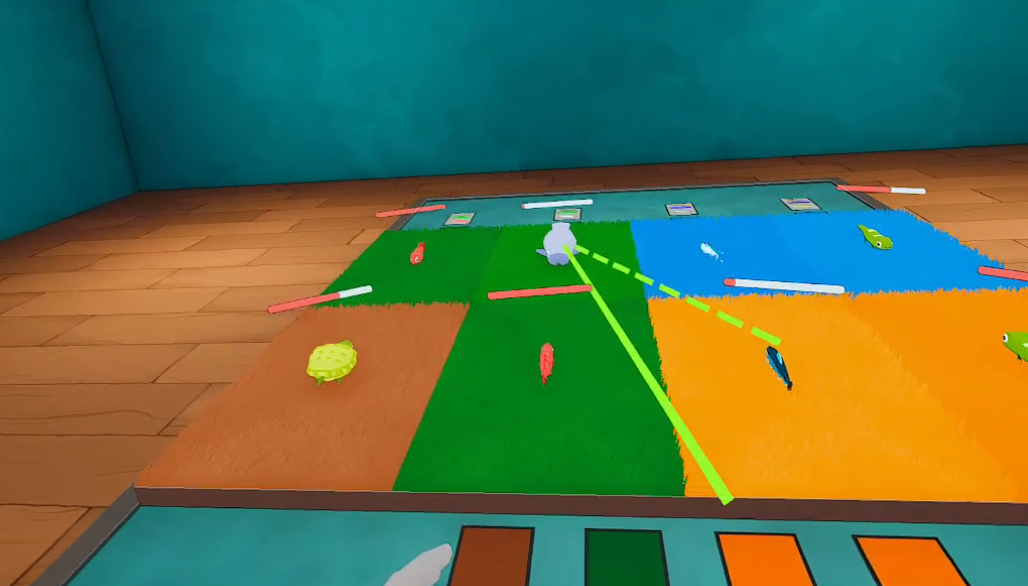
Selecting a troop to move to a valid spot, e.g. an opponents troop.
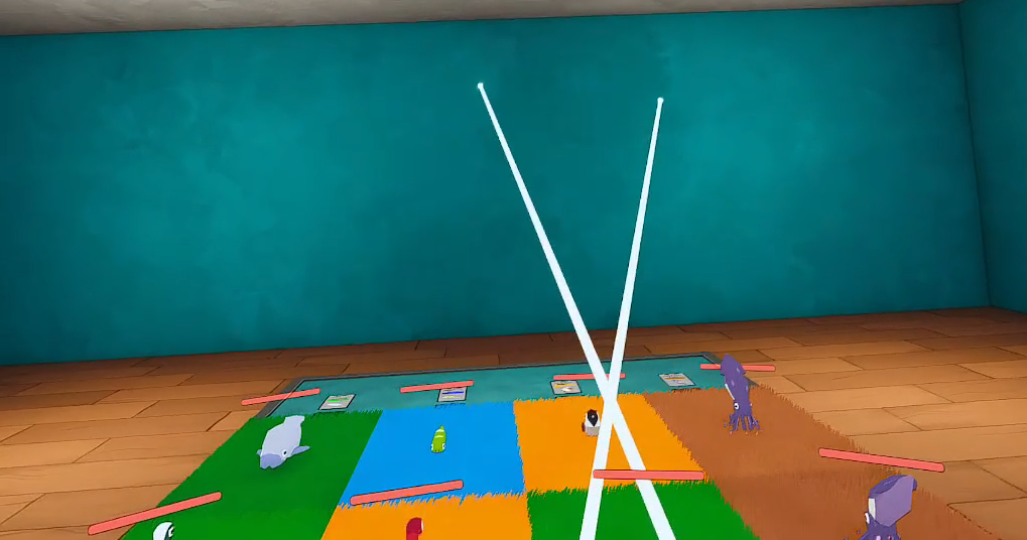
No troop selected.
I used this approach for the card grabbing too. Early play testing with friends proved that the card selecting was difficult and felt un-polished. To fix this I made the cards snap between your hands, the table and card pile, based on the distances between them, which greatly improved the overall feel of the interactions.
While powerful, VR headsets are still not at the level of the modern day PCs meaning optimisations are super important to the player experience. This is particularly true, as research into VR games indicated that VR experiences running at less than 120fps would often result in the user experiencing Simulator Sickness. Whilst my scene is relatively small, and I could likely have gotten away with the classic billboard grass approach, I took this as an opportunity to develop my shader graph skills, as it felt relevant to the overall challenge of working in VR. The technique I landed on for my grass is called Shell Texturing.
Shell Texturing is a technique I learned about from the game “Viva Pinata” where it was used to create the illusion of fur. The technique is quite simple, by layering transparent planes on top of one another, with each one getting “thinner” than the last, you can create a pretty convincing looking grass that, from a distance, looks incredibly dense and detailed, all at an incredibly low performance cost. With this technique, you can draw one blade of grass or one-thousand with the exact same number of faces.
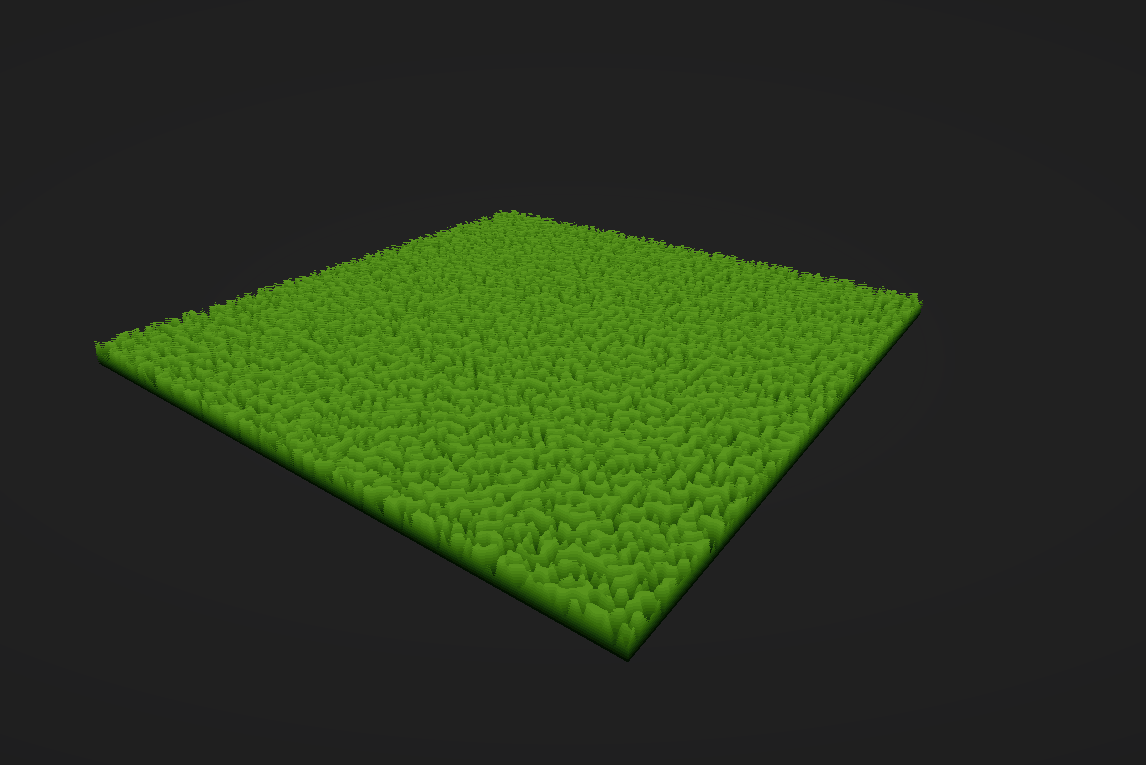
The sort of grass that shell texturing can create.
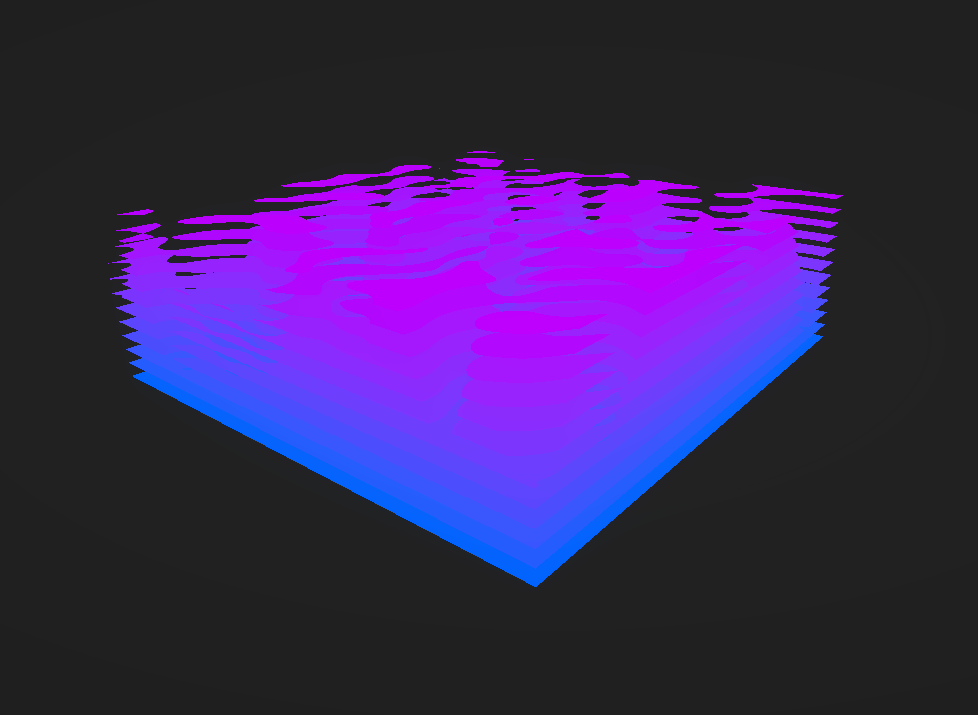
A better view of the different layers created from the shell texturing technique.
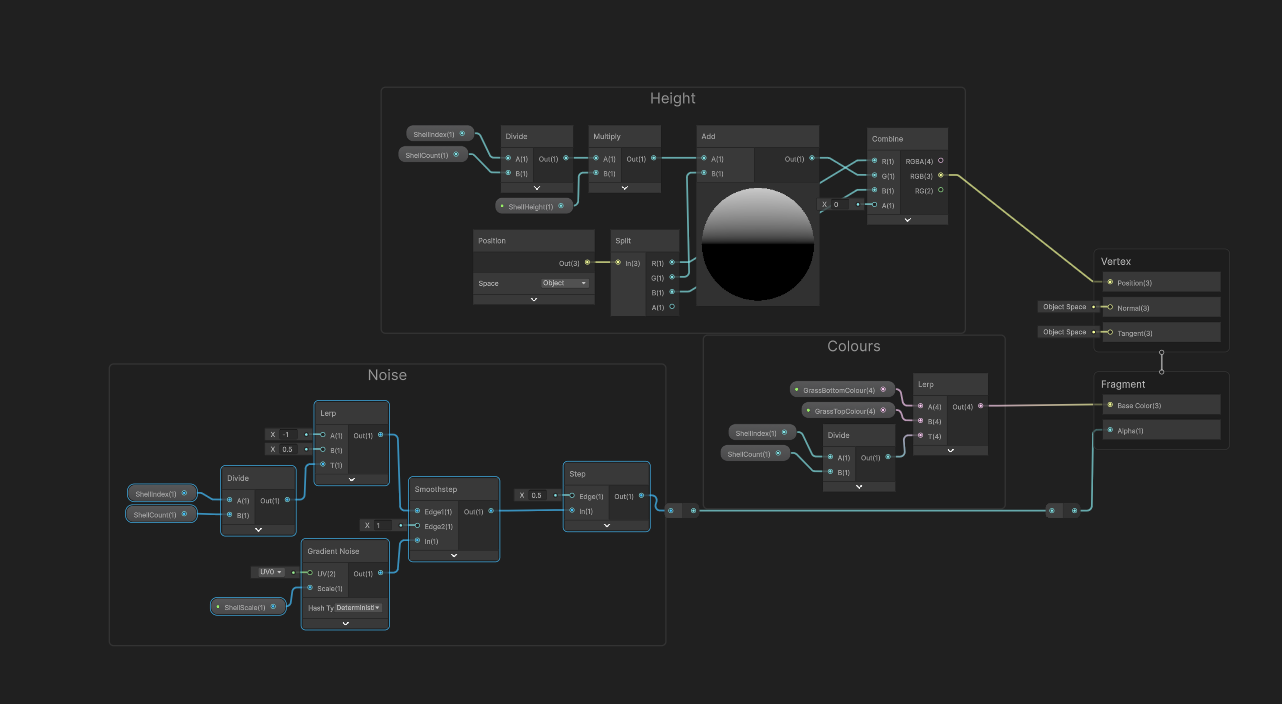
A screenshot of the shader graph used to create the shell texturing effect.